
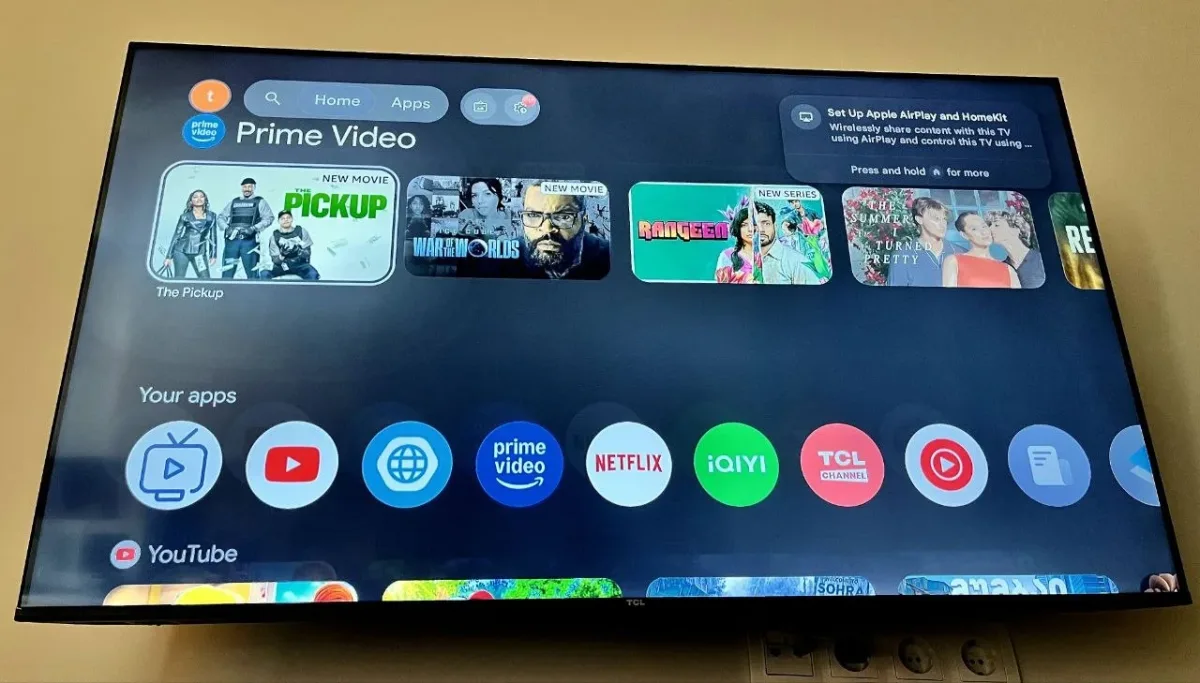
Today, among numerous TV brands, we often see that new brands, which are not yet firmly established in the market, resort to a method of frequently attracting new customers through a strong price-to-quality ratio. This is the moment when, upon going to a store, we see that a specific size TV from a well-known brand is much more expensive than a TV of the same size from a lesser-known brand. I found myself in exactly this situation when I decided to choose a TV; the goal was simple: to choose a large 55-inch TV at the most budget-friendly price possible.
Today I want to review a TCL smart TV, which for its price promises a good picture, a properly functioning Android system, and fast, simple navigation. Specifically, the TCL 55-inch smart TV model 55v6, with a promotional price of $359. Compared to Samsung or other more famous brand TVs, the price difference for a TV of the same size is about $50-$100. Considering the goal is the budget segment, this is a quite significant advantage. But besides this price difference, TCL has an Android system, unlike Samsung which is represented by Tizen OS. There is already a post about the Samsung TV on our blog, and you can see its review article here.
Design and Specifications
This TCL model, like the vast majority of modern TVs, has almost no bezels and the front is completely covered by the display. On its back, you will find:
2 USB ports
3 HDMI ports
LAN port for internet
The display is 55 inches with 4K resolution, featuring HDR10 support and a 60Hz refresh rate. It has two 10-watt stereo speakers for complete sound. While we can say it is not very powerful on paper, it manages to deliver sound quite well and loudly in the room. The TV also comes with a 2-year official warranty from the manufacturer.
Software and Performance
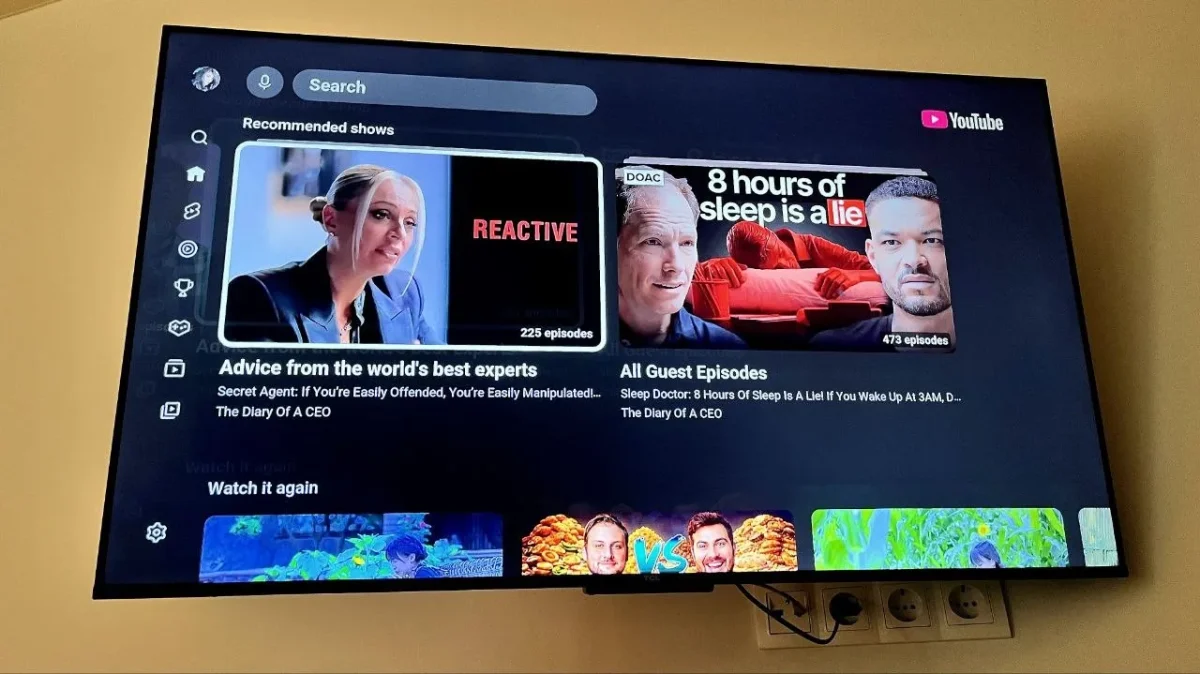
Let's move to the first and most important stage. After a simple installation, the TCL Android system stands out with easy navigation. Almost everything is displayed right in the main menu, and you won't need to search much to find a specific application. Out of the box, the TV comes with pre-installed apps such as Netflix, Prime Video, and others. However, if there are applications you don't use, I recommend deleting them from the TV; this way you will lighten the system (Note: the author wrote Tizen OS here, but the TV runs Android) and make it more comfortable to use.
After deleting unnecessary apps, I easily installed the programs I needed from the Google Play Store. These included:
An OTT player (necessary for IPTV)
YouTube
A web browser to visit sites I find interesting
The Android system gives complete freedom to access numerous applications, which we can also install using a USB flash drive, although you will find plenty of necessary apps right on the Play Store.
Connectivity and Final Verdict
After setting it up, I launched IPTV. Here I came across one small but important detail: the Wi-Fi receiver of this TCL model is not powerful enough to run IPTV smoothly in high resolution. Naturally, I didn't hesitate much and directly plugged in a LAN cable, which completely changed the situation. If we compare it to the Samsung model, Samsung turned out to have a more powerful Wi-Fi receiver in practice, though this cannot outweigh the downside of Samsung's closed operating system. Once the necessary apps were installed, the system started working normally. The interface does not suffer from lagging, and navigation is simple. Removing the apps I didn't need made the system even lighter.
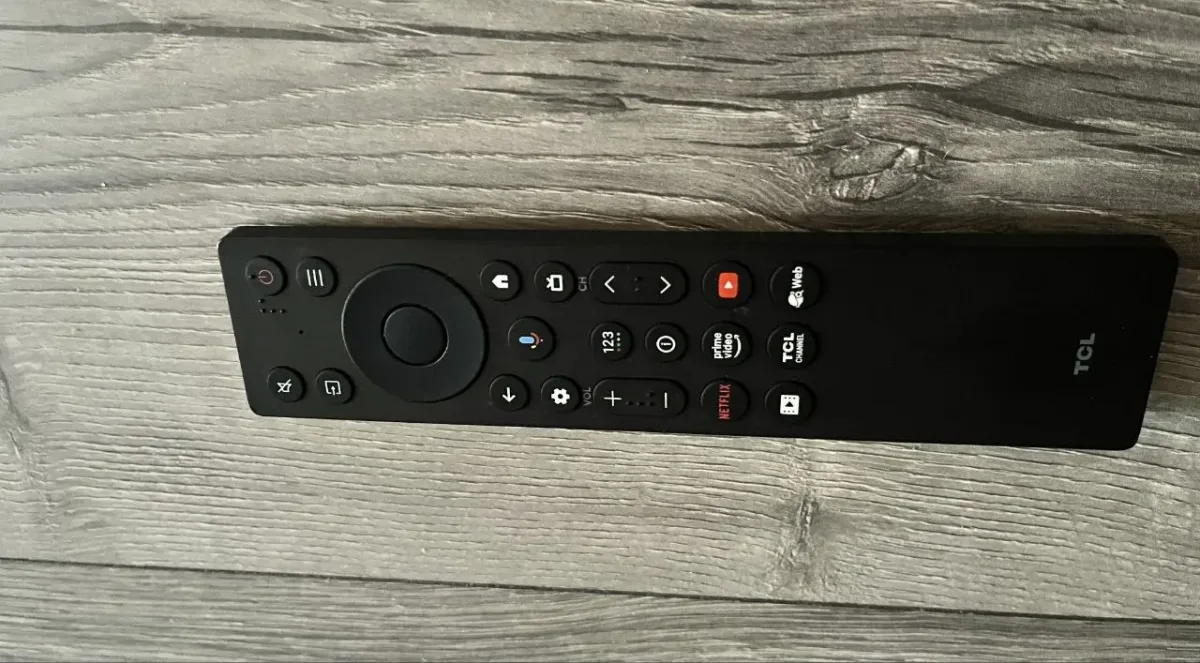
The remote control is modern and simple, exactly what you expect from general smart TVs. Overall, we can confidently evaluate it as one of the leading TVs in the budget segment. Given its price point, the picture quality is not just "not bad"—on the contrary, it is quite good. To my surprise, the pixel density and colors blend perfectly together, making this TV a highly desirable option. Of course, I cannot say anything definitive about its ultimate long-term durability yet, but it has been 1 year since I bought this model, and it genuinely hasn't given me any problems.