
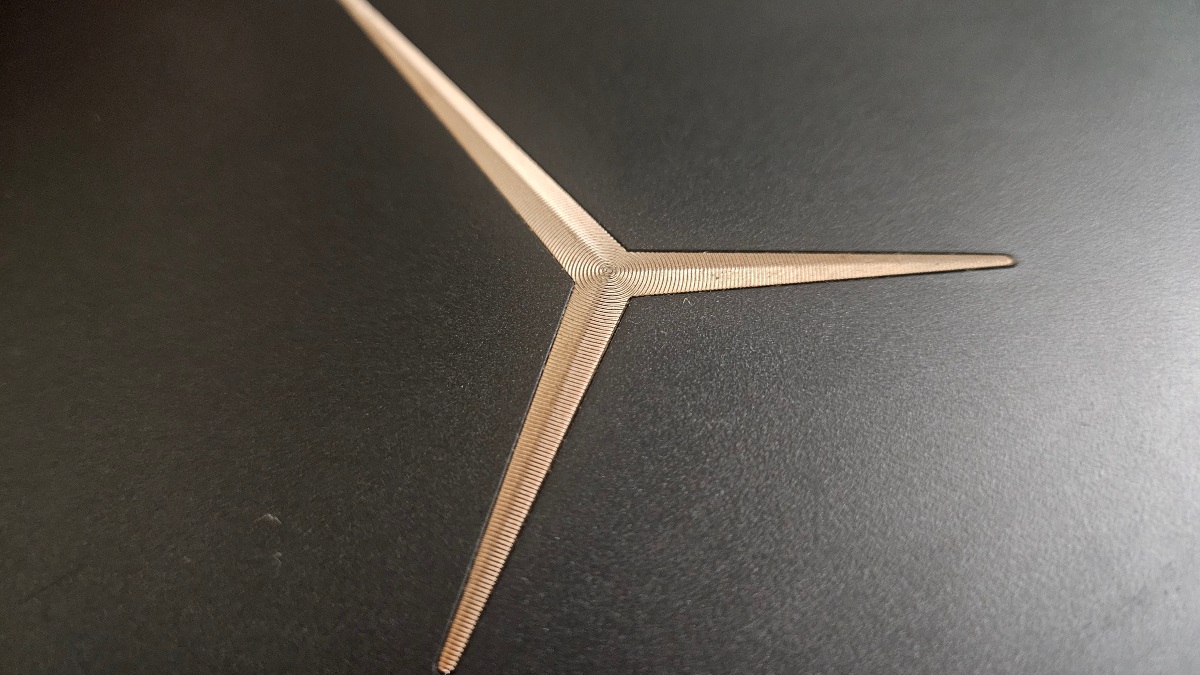
No, this isn't the latest Legion model. It was released back in 2017 and is now entering its tenth year. I want to share my experience of how this laptop has stayed alive, handling daily tasks, gaming, and movies, and highlight the crucial nuances to consider to prevent premature hardware failure.
The $300 Surprise
You will agree that a broken laptop brings a lot of trouble. Because of their compact nature, the internal components are so intertwined—often forming a single system integrated into the motherboard—that a failure can sometimes cost up to 70 percent of the laptop's total value to repair. These were exactly my thoughts when I decided to buy a gaming laptop.
One ordinary day, a friend and I were browsing the second-hand market. My budget was a maximum of $300. My initial plan was to find a Ryzen laptop with integrated Vega graphics, hoping it would at least let me play older games like Far Cry 3. During this search, I stumbled upon a rather unusual laptop that I didn't even recognize at first glance. It sparked my interest, so I went to check it out.
It turned out to be a Lenovo Legion Y720, equipped with a GTX 1050 Ti graphics card and an i7 processor. This was significantly more powerful than my old laptop, but I assumed it would be way out of my price range. When I asked the price, the answer was exactly $300. I didn't hesitate for long; I checked the temperatures, and just like that, I bought my first gaming laptop.
Yes, by today's standards, its performance might be closer to a modern office laptop, but it has been working flawlessly for me for three years now. I believe this is entirely due to proper maintenance, which is what I want to discuss today.
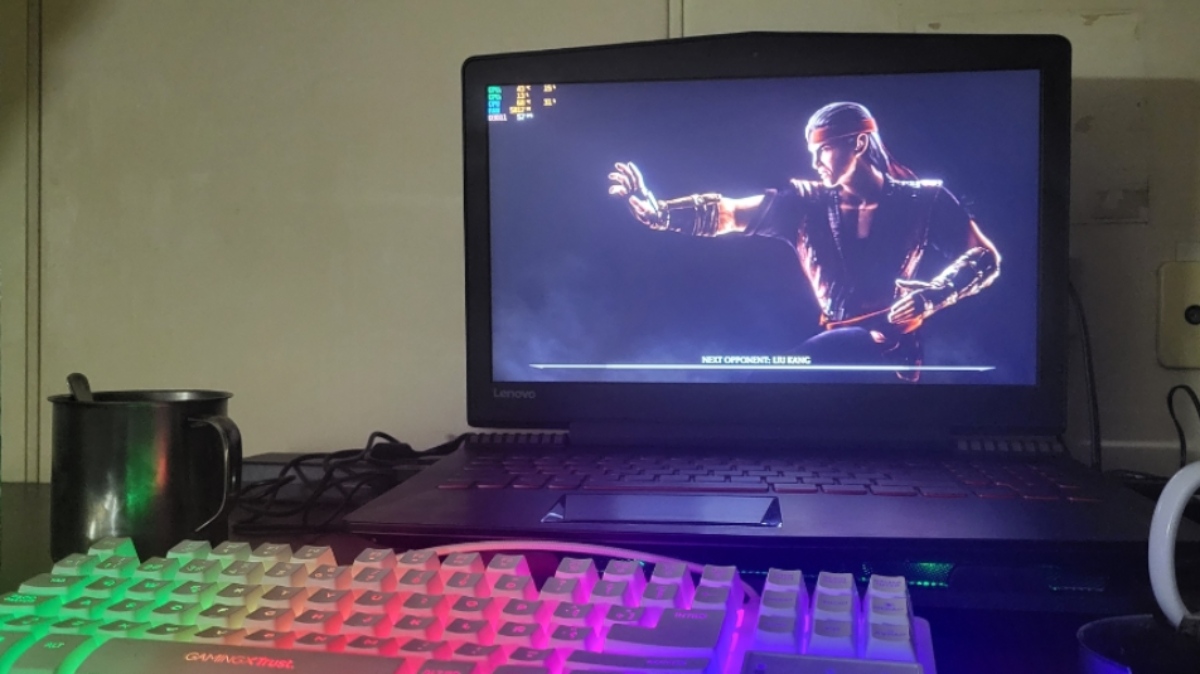
Essential Steps for Laptop Longevity
Shortly after the purchase, I realized the laptop desperately needed cleaning. As soon as I got home, I disassembled it, cleaned it out, and applied fresh thermal paste to the GPU and CPU. The results were fantastic: temperatures returned to normal, and after removing a massive amount of accumulated dust, the machine could finally "breathe."
Beyond its performance, the laptop is quite unique and beautiful. Its red backlit keyboard still worked like new. To protect my investment, I took several practical steps:
Cooling Pad: The first major step in maintenance was adding extra cooling. While a cooling pad won't drastically drop internal temperatures on its own, providing a continuous flow of fresh air helps the laptop maintain stability and prevents it from overheating during long gaming sessions. Additionally, the elevated angle improves bottom airflow.
External Keyboard: The next step was reducing physical wear and tear. Constant heavy use can quickly damage a laptop's built-in keyboard, and replacing it often requires a complete teardown of the machine—a real headache. If you use your laptop primarily at a desk, use an external keyboard. This will easily double the lifespan of your laptop's native keys.
Temperature Monitoring: This laptop can run quite hot under a 100% load. Most gamers know this, but if you are wondering how to track it, the answer is MSI Afterburner. This application helps you monitor temperatures and usage percentages while gaming.
Routine Cleaning: Cleaning the cooling fans every six months is an absolute must.
By sticking to this routine, I have preserved a nearly 10-year-old laptop that still works tirelessly.
Of course, not everything went perfectly. About a year in, the speakers blew out and needed fixing. Fortunately, finding a replacement part like a laptop speaker is no longer a major issue if you know where to look. I found brand-new speakers on Taobao for a great price, ordered them, and the replacement process was incredibly simple and painless.
However, after eight years of total runtime, the cooling fans finally died. Honestly, this wasn't surprising—fans are the only constantly moving mechanical parts in a laptop, and a failure after almost a decade of use is completely normal. I used the same method to fix it: I easily found replacement fans online, and for just $10, the problem was solved.
One thing you cannot avoid is battery degradation. Replacing a battery isn't difficult, but it depends on whether it is worth the investment for your specific needs. Since I almost always use the laptop near a power outlet and rarely take it outside, I leave it plugged in. It is a gaming laptop, after all, and pausing a game to wait for a charge is never fun. Using it constantly plugged in will eventually deplete the battery's lifespan, but for my use case, it was a fair trade-off.
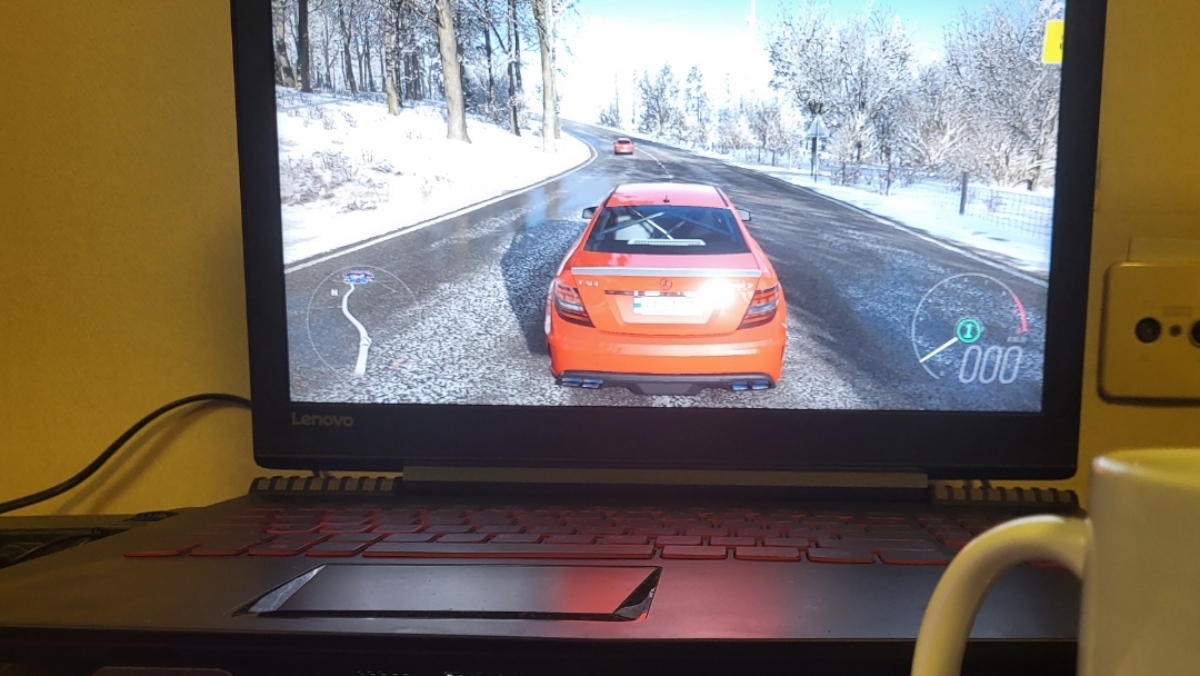
The principles of maintenance I've outlined are universal and will benefit any laptop, regardless of the brand or type. However, my biggest piece of advice is to read reviews before buying. If a laptop model has notorious factory defects—like failing motherboards, GPU chips, or CPU issues—no amount of maintenance will save you. But if you get lucky like I did and find a machine without inherent factory flaws, it will serve you beautifully for a very long time.
Lastly, always use the original charger. For a gaming laptop, a charger isn't just a cable; it is a dedicated power supply required to push the machine to its full potential safely. Avoid cheap, unbranded aftermarket chargers, and you will save yourself a lot of unnecessary hardware problems down the road. we tested these games using controller which you may want to check, here is post about it.