
As the technological era advances, computer performance grows day by day. Driven by increasingly demanding programs and games, manufacturers continue to boost component power. However, modern socket systems aren't always affordable in the budget segment. On the other hand, console gaming is relatively expensive. Even though PC games are cheaper and often available for free, building a brand new PC remains more expensive than buying a console. This is exactly when we look toward the budget segment, specifically previous-generation socket platforms. For many years, I owned an Intel LGA 1155 platform. Despite its age—having launched back in 2012—I actively used it for casual gaming until recently. Of course, you won't be able to play modern masterpieces like The Last of Us or similar titles, but I still managed to play my favorite Forza Horizon, as well as FIFA up to FIFA 26. It wasn't the ultimate graphical experience, but that couldn't stop a gamer.
New Platform and Budget
The 1155 platform was quite an interesting journey during the 10 years I owned it. I started with an i3 processor, then upgraded to the legendary i5-3570, and finally moved to a Xeon E3 server processor, which delivers the performance of an i7-3770 but at a third of the price of a standard i7. That Xeon was the exact reason I was able to play all those games. However, this platform has finally exhausted its potential, as installing a more powerful processor is no longer possible. So, I decided to choose the true champion of today's budget segment: the AM4 platform. Additionally, my brother's computer broke down, leaving him unable to play FIFA. I decided to upgrade my platform and hand down my old parts to him, allowing me to assemble two computers. Admittedly, this setup isn't built for heavy, maxed-out gaming, but to be completely honest, the AM4 platform is incredibly versatile and can still successfully run absolutely any game if paired with the right components. I strictly set a budget of $200. It's simply more satisfying to extract massive performance at the lowest possible price; that feeling feels like a total victory.
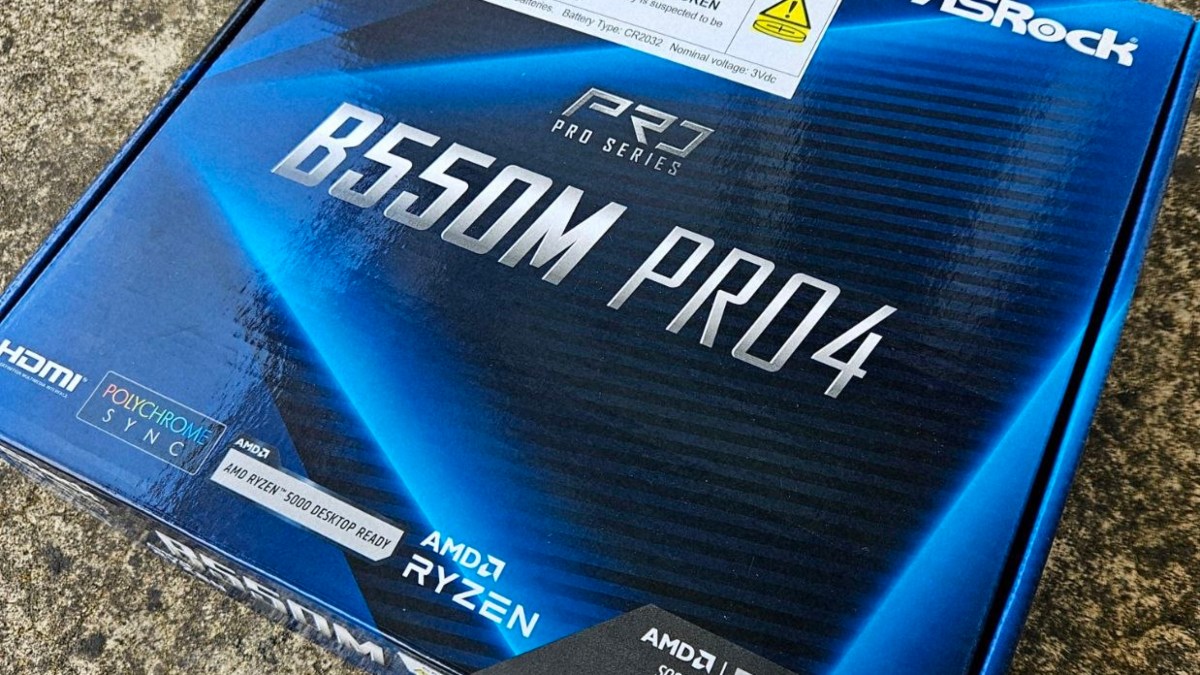
I started my search and ended up with the true king of budget motherboards: ASRock. On Newegg's eBay store, I found the ASRock B550 Pro4 selling at an incredibly low price—just $87. Despite its low cost, you get a motherboard that can effortlessly handle powerful AM4 processors, including the Ryzen 7 series. Its aluminum heatsinks keep it running remarkably cool. Without hesitating, I placed the order. However, changing the platform also meant buying new RAM.
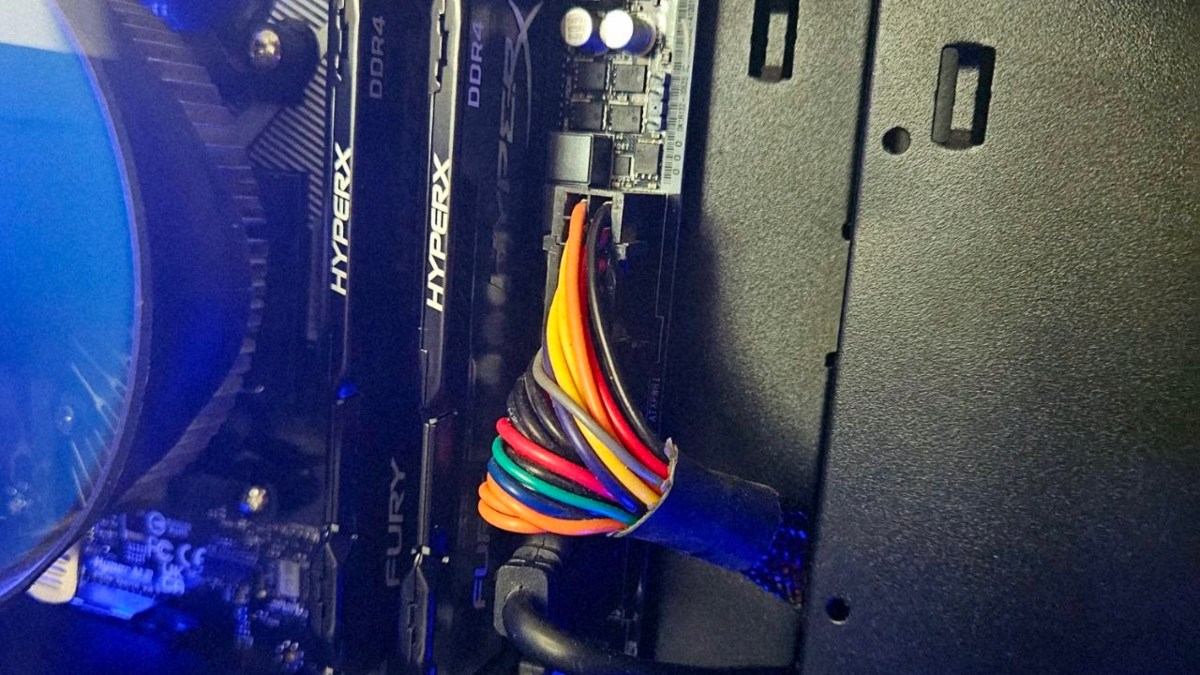
Nowadays, buying a RAM combo can sometimes feel like it rivals the cost of a graphics card. That's why the DDR4 platform remains the king of budget builds, as thinking about DDR5 is simply way too expensive for now. I bought two 8GB sticks of Kingston DDR4 RAM clocked at 3200MHz on Taobao, paying a total of $80. With that out of the way, only the processor was left. I didn't plan on changing my graphics card since my ASUS GTX 970 was still getting the job done, and switching the platform meant I could always drop in a more powerful GPU and CPU down the line. post about GTX 970 available here. For the CPU, I chose the Ryzen 3 3100. Yes, this processor is certainly on the weaker side of the Ryzen family. It has 4 cores and 8 threads, but when compared to the old platform's i7-3770, this little Ryzen monster delivers twice the performance, which is a massive win. I paid just $30 for it, and replacing it with a more powerful processor in the future will be incredibly easy since this AM4 motherboard supports up to 5th-generation Ryzens. In total, all of this cost exactly $197, fitting perfectly within the budget. Of course, this was largely because I didn't replace the power supply, graphics card, or case. But it's worth noting that you can also build an AM4 system using second-hand parts, which is a highly popular approach that will save you even more money.
Expectation vs. Reality
The parts arrived within two weeks. I was just about to start assembling everything when I realized I hadn't bought a CPU cooler! Fortunately, my existing cooler was a universal model, so it migrated to the AM4 platform without any issues. It's also worth noting that the motherboard came right out of the box with CPU cooler mounting brackets and a BIOS battery, which was a very nice touch. The assembly process turned out to be quite simple and trouble-free, and the final result was even more surprising. The GTX 970 finally stretched its legs to the absolute maximum. Since many modern games put more load on the CPU than the graphics card, my overall performance increased significantly. While I previously had to play FC 26 on low settings, I can now play it on medium settings at a stable 60 frames per second. To my absolute amazement, the original Marvel's Spider-Man, which I couldn't even play comfortably before, is now completely playable on medium settings. Because the new processor shoulders so much of the workload, the performance gain was highly noticeable. Not to mention everyday Windows office tasks—the responsiveness is instant, making it incredibly pleasant to work on. Ultimately, this was a true victory for me: a low price tag paired with a massive leap in performance.
Tips & Advice
Despite everything, my decision was still based on the fact that I am not a hardcore gamer. This is more of a casual gaming platform, and I specifically selected specs that allow me to play the exact games I spend most of my time on. However, if you plan on exploring a wider, more diverse world of gaming, I highly recommend picking up a 5th-generation Ryzen 5 5600 instead of the Ryzen 3. It will cost you around $90–$100, and paired with this ASRock motherboard, it will deliver incredible results—especially when combined with a modern graphics card. A Ryzen 5 5600 combo is fully capable of unleashing the absolute maximum potential of a card like the RTX 4060, which is an excellent benchmark.
As for the RAM, don't skimp on DDR4 memory; make sure to buy higher frequency modules. 3200MHz offers great performance. Avoid 2400MHz RAM at all costs, because when paired with a fast graphics card like the RTX 4060, performance will drop, and both the GPU and CPU won't be able to achieve their maximum potential.
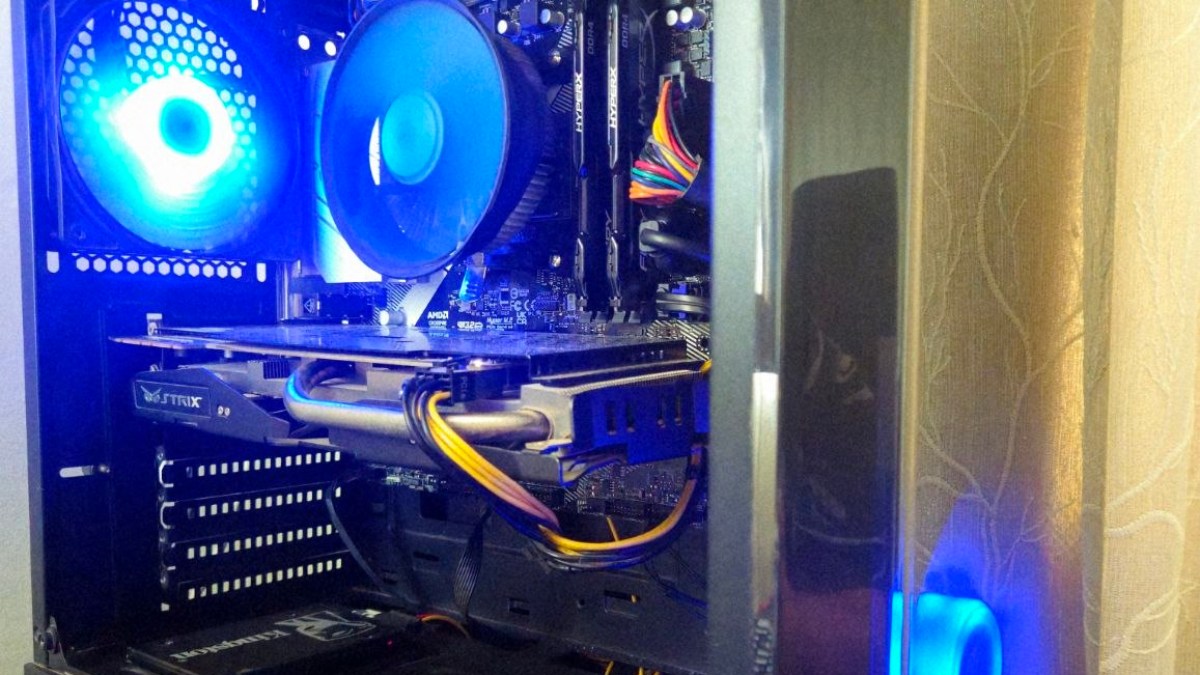
Of course, I didn't purchase new storage either; the SSD I had on my old platform works perfectly, and my 2TB HDD is still very much needed. Nevertheless, if you plan on playing heavier games, I highly recommend getting an M.2 NVMe storage module. This motherboard fully supports it, and installation is incredibly simple.