
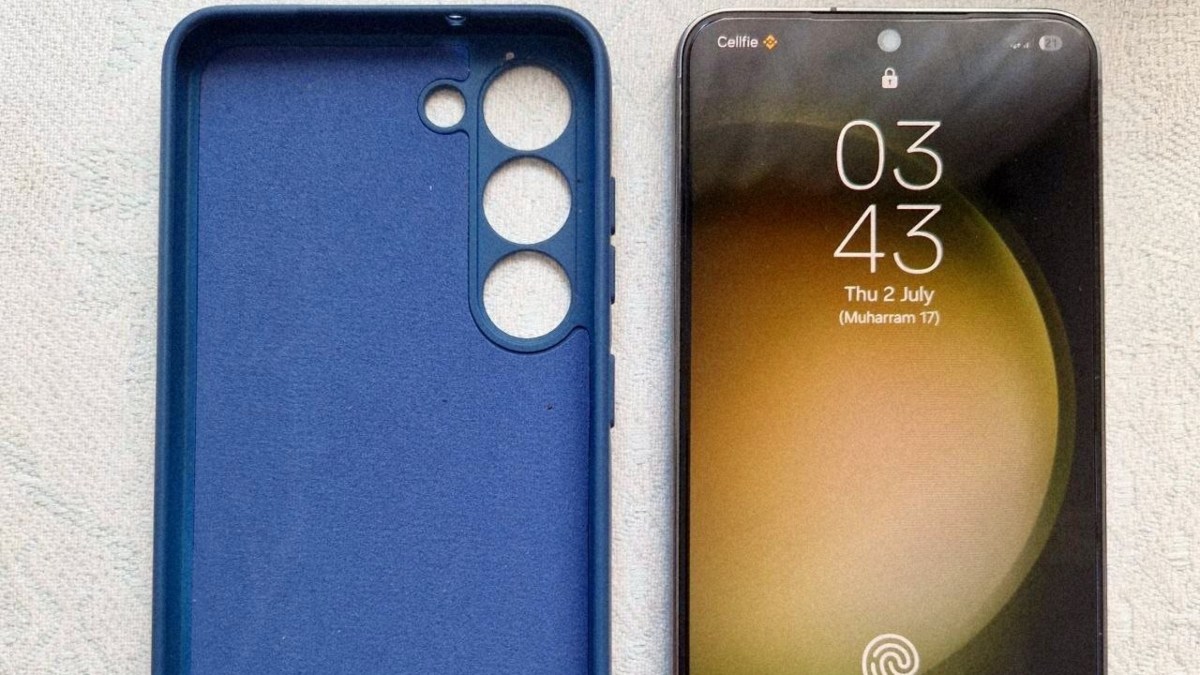
Choosing a smartphone today is quite simple if you prioritize aesthetics. But it can also become incredibly confusing and overwhelming when the market is flooded with manufacturers offering countless budget and premium options. Today, a smartphone is no longer just a device for making calls. It has evolved into a versatile tool that allows us to watch movies, play games, print documents, and perform countless everyday tasks—all made seamless by modern technology.
We have also published an article on our site featuring the latest Wi-Fi-enabled Canon printer, which I was easily able to operate using my Samsung flagship smartphone. You can read the full article here.
I’ve never been a fan of upgrading my smartphone every year. For the last four years, I daily-drove the base version of the Samsung Galaxy S22. It was a phone I genuinely fell in love with—a true compact monster that handled every task I threw at it. And by "tasks," I definitely don't mean just simple apps; I frequently used the phone for video rendering, gaming, hotspotting, and more. Having previously owned mid-range devices made this phone even more appealing, as it was my first true flagship.
As the years went by, my only real gripe was battery degradation. The S22’s battery is notoriously weak, and I often found myself charging it two or even three times a day. But even that wasn't a dealbreaker since I almost always had access to a charger, whether in the car or at home. The camera quality, memory speed, design, and overall performance were more than enough to keep me from upgrading—until the real problems started.
An Unexpected Problem
As time passed, the phone didn't show any obvious signs of wear, and I barely even noticed how hot it was getting under heavy workloads. The European version of the S22 came equipped with the Exynos 2200 processor (though, to be fair, the Snapdragon version of that model isn't exactly famous for running cool or energy-efficient either).
At one point, I had to use the phone as a mobile hotspot, coupled with frequent video calls and, due to the weak battery, charging it simultaneously. Seemingly basic tasks that even a mid-range phone should breeze through turned into a real challenge. Because of this, the phone frequently threw overheating warnings and slowed down significantly due to heavy thermal throttling. The Exynos chipset is also the primary culprit behind the S22’s rapid battery drain, making all that frequent charging necessary. But surprisingly, that wasn't the final straw.
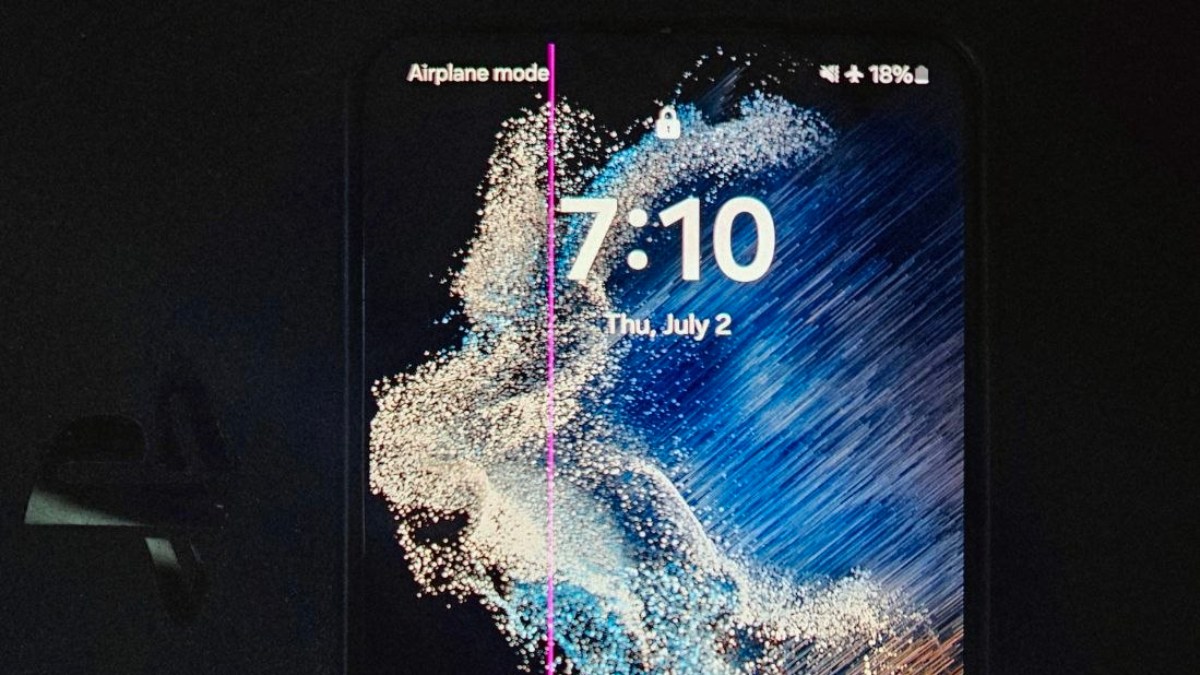
Waking up one fine morning, I noticed a pink line running vertically straight down the screen. It was quite an unpleasant morning surprise, and I immediately started digging for the cause and a potential solution. As it turns out, the consistently hot operation of these models can damage the internal structure of the display, occasionally leading to this exact issue.
The solution? There’s only one: a complete display replacement, which is an undeniably expensive pleasure. I still didn't lose hope and looked for workarounds. Samsung actually offered a screen replacement warranty for this specific model because the issue was so widespread (naturally, for users living in hotter climates, this problem was much more prevalent). But the main issue was the cost: replacing the S22 display costs about $200–$230 at an official Samsung service center, and around $180 at unofficial repair shops. That is literally 100% of the phone's current value on the second-hand market.
Searching for Alternatives
Since I ruled out repairing the S22—or at least postponed it until parts become significantly cheaper—I decided to repurpose it solely as a work phone. That left me with the main puzzle: What should my next phone be?
Samsung again? Should I try other brands? Based on my preferences, I narrowed it down to either a Google Pixel or another Samsung. My absolute main requirement was that the smartphone had to be compact and a flagship—a criteria very few brands satisfy these days. For some reason, compact models are losing their relevance, and finding them is becoming increasingly difficult.
The second issue was pricing. Flagship prices never seem to drop; if anything, they get more expensive year over year. Because of this, I decided there was absolutely no need to buy a brand-new, current-gen model. I could simply look for a time-tested device. Since my priority is Android, the selection wasn't huge: it was going to be either the compact Google Pixel 8 / 9, or the base version of the Samsung Galaxy S23.
Ultimately, I pulled the trigger on the S23. Today, I want to share whether the upgrade was worth it, what it costs, and what it’s actually like to use in real-world conditions.
Buying Experience and Initial Impressions
The S23 is no longer the latest model (we are already seeing the S26 series hit the market with sky-high price tags). My goal was a cheap and painless upgrade, so I turned to the second-hand market.
Ordering from eBay is actually a fantastic choice if you vet the seller carefully. Since true compact phones basically don't exist in the modern mid-range segment, this was the most logical and ideal route. After some digging, I found a few highly appealing options. A quick tip for eBay buyers: you'll often encounter sellers offering "eBay Refurbished" devices. While they have massive sales volumes, they usually use stock images instead of photos of the actual device. I highly recommend buying from sellers who upload high-quality photos of the exact phone they are shipping to you.
I stuck to this principle. It’s worth noting that 90% of the S23s on eBay are the US variants. If you go this route, make sure it is Factory Unlocked so you aren't restricted and can easily use different SIM cards (though if you live in the US and use a specific carrier, locked phones are noticeably cheaper). I was hunting for a SIM-unlocked version, but during my search, I accidentally stumbled upon an International version.
Differences and Similarities (US vs. International)
There are distinct differences between the US and International versions. The American S23 supports only one physical SIM card, while the International version supports dual physical SIMs. However, this is barely an issue nowadays since the S23 fully supports eSIM. Even with a single physical SIM slot, you can easily load up a virtual secondary SIM.
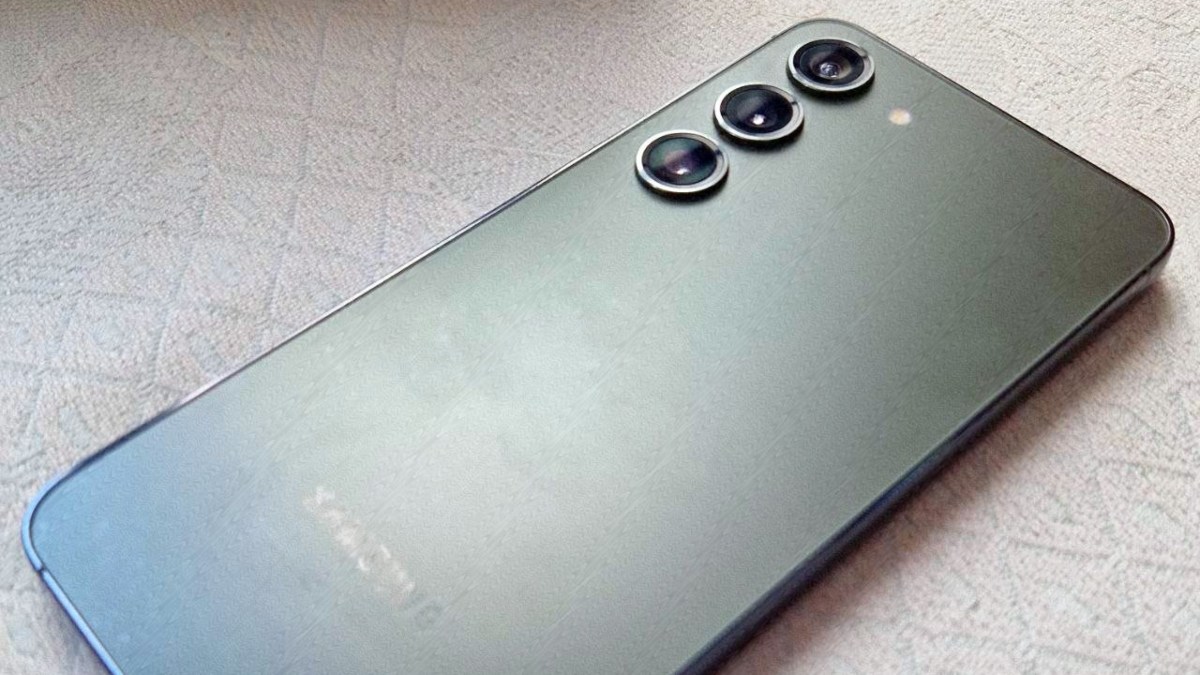
Performance, aesthetics, and capabilities are identical. Most importantly, the entire S23 series uses the exact same chipset worldwide: the Snapdragon 8 Gen 2. Samsung clearly learned from the mistakes of the previous generation. The S23 was built with precision and care, and it has aged beautifully. The highly energy-efficient chipset, combined with a slightly larger battery than the S22, upgraded cameras, and a brighter display, creates a vastly superior user experience. Visually, though, it’s a twin of the S22. It shares the exact same dimensions and only differs slightly in the camera lens rings—something I don't even notice in daily use.
Receiving the Phone & Real-World Upgrades
I snagged the 256GB International Dual-SIM version of the S23 on eBay for $280. Its physical condition was near perfect—no visual defects, just some incredibly minor micro-scratches near the charging port.
When I booted it up, the S23 was already running Android 16. Even though I could have updated my old S22, I generally avoid massive OS updates on older phones to prevent them from getting bogged down with heavy new software features. I plan to take the exact same approach with this S23: I don't want to update it further, so I had to get used to the new features of Android 16 (since I was still rocking Android 14 on my S22).
The battery life was a genuine revelation. The S23 lasts significantly longer. I had developed a sort of "battery anxiety" muscle memory from the S22—constantly feeling like my phone was about to die—and the S23 left me genuinely surprised by how long it holds a charge. Thanks to its energy efficiency, the phone also runs cool and quiet.
Real-World Performance & Final Verdict
I’m not going to bore you with spec sheets—you can find those anywhere online. Instead, let's talk about whether it's worth jumping to this model from an S21, an S22, or a modern mid-range phone.
Realistically, if you are looking at the second-hand market, the S23 is an absolute steal at this price point. Is it a night-and-day difference from the S22? Not really. I’ve also seen a lot of reviewers online praising how "cool" this phone runs. While that’s mostly true, it does not apply under 100% load. In hot weather (and I don't just mean leaving it baking in the sun), if you are on a video call while simultaneously running a hotspot, this phone will get just as hot as its predecessor.
I discovered this by accident. I turned on my mobile hotspot to share the internet with my laptop, hopped on a phone call, and plugged the phone into the charger all at the same time. About 10 minutes later, I got an overheating warning. I immediately unplugged it and turned off the hotspot. The truth is, the display and the CPU/modem are the two biggest power hogs and heat generators on a phone. (You'll notice this is far less of an issue when just using Wi-Fi).
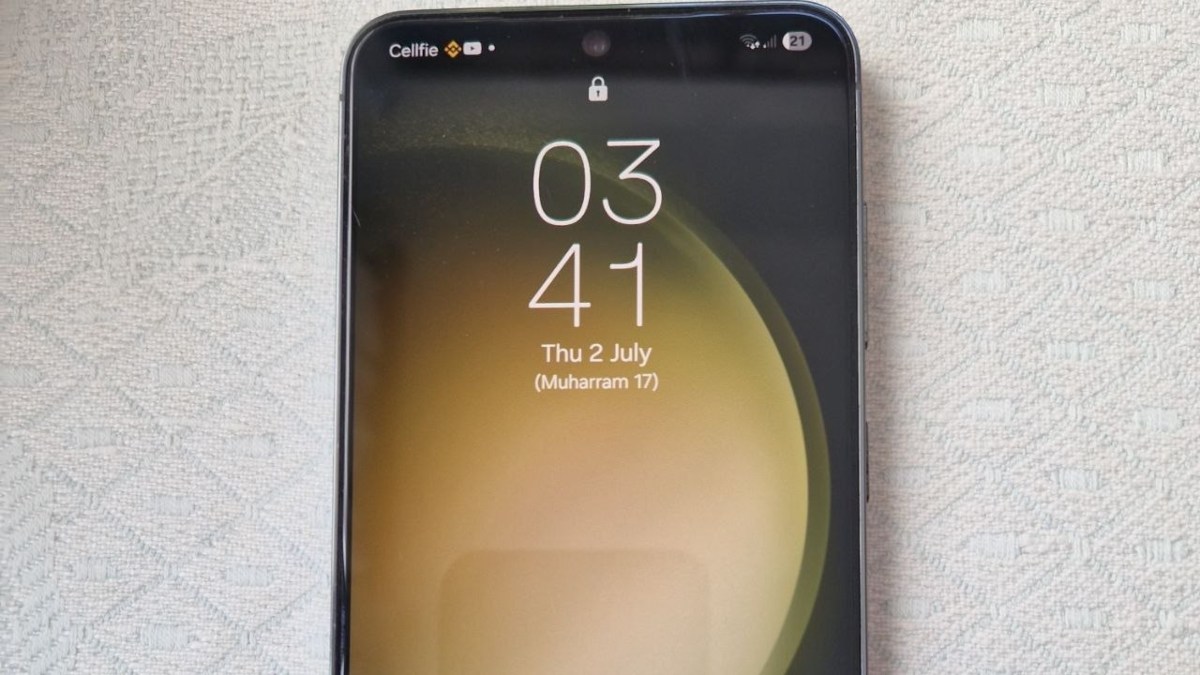
Luckily, this is no longer a problem for me. My old S22 is now perfectly suited for travel—I can load an eSIM on it abroad, leave the screen off, and use it as a dedicated mobile hotspot without it overheating.
Pro-Tip for any smartphone user: Try to avoid charging your phone, talking on it, and running a hotspot all at the same time. Doing all three simultaneously generates extreme heat and poses a serious threat to the lifespan of your device's battery and internal components. you may want to check our post about S23 FE. available here.