
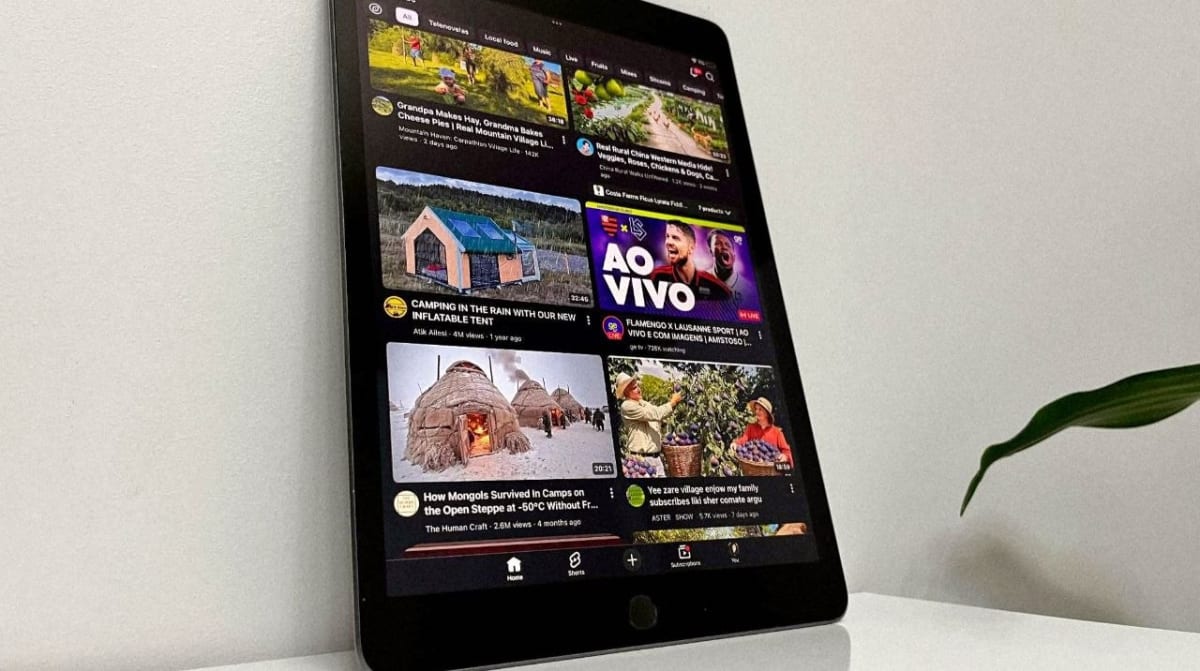
With the increasing size of smartphones and the rapid emergence of foldable devices, the existence of the traditional tablet segment is becoming heavily questioned. Many tech enthusiasts wonder if tablets are losing their purpose. While there are countless manufacturers in this field—the vast majority pushing Android devices—I firmly believe the true, uncontested favorite in this segment remains Apple’s iPad.
Thanks to its brilliant and highly optimized iPadOS, Apple has solidified the iPad as the absolute market leader. When it comes to smartphones, the competition is fierce, and in my subjective opinion, Apple's iOS on the iPhone can sometimes feel too restrictive for power users. However, that same restriction does not apply to the iPad. The reality of tablet usage has proven that the iPad offers an unmatched experience, leaving giants like Samsung and Xiaomi struggling to keep up.
The core issue with Android tablets is their heavy reliance on massive amounts of RAM and constant optimization just to maintain stability during daily use. Apple, on the other hand, managed to solve this flawlessly. Despite having significantly less RAM on paper, the iPad is a true performance monster, proving that software optimization will always beat raw, unoptimized hardware.
Scoring a 2020 iPad 8 for $99: The Ultimate Deal
Today, I want to talk about the 8th Generation iPad, originally released in September 2020 alongside iPadOS 14. I recently managed to purchase the base model of this device for just $99. Yes, that price sounds unbelievable because the market value for an iPad in good condition is usually much higher. But why the iPad 8, and is it actually worth buying a tablet from 2020 today? i was able to find this ipad on ebay market for that price, for first i was curious, why price is so low? maybe something is not right with it, but seller for honest and actually condition of this ipad is excelent.
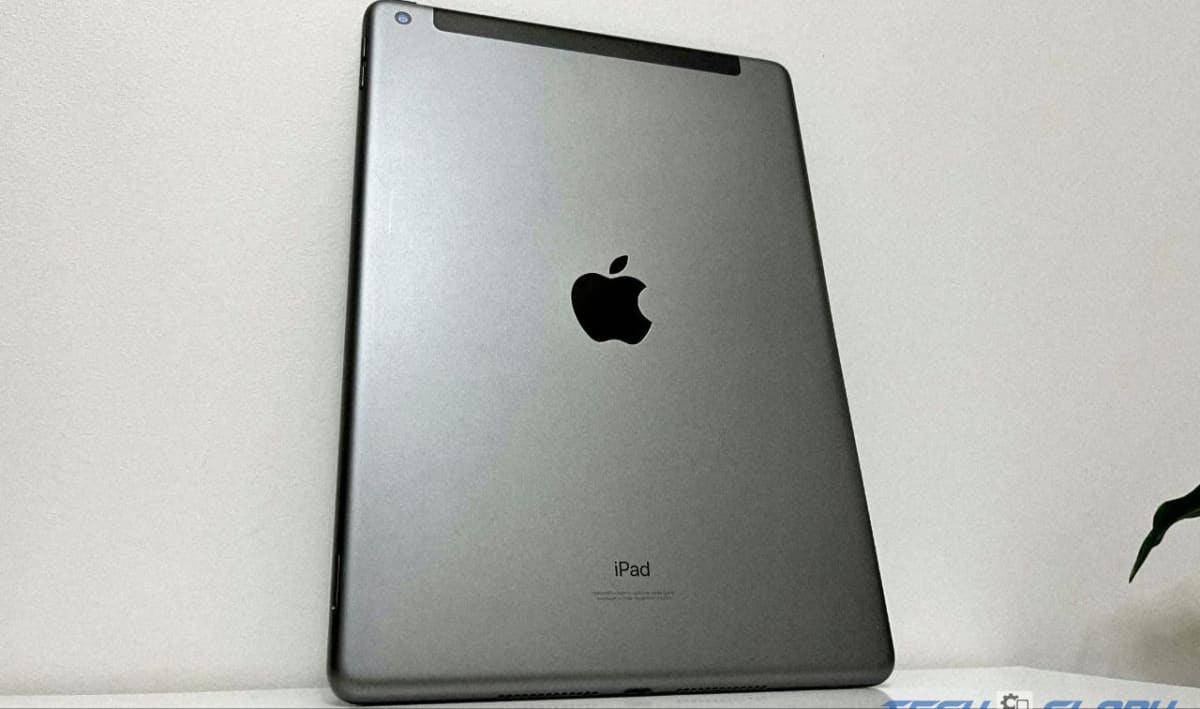
While it is true that its software support lifecycle is slowly nearing its end, the iPad 8 can be updated to iPadOS 17. This crucial factor preserves the viability of the tablet, ensuring that you will be able to download and run 90 percent of the apps on the App Store without any compatibility issues for at least a few more years.
What Can You Actually Do With It?
Generally, what is the primary use case for a budget tablet? For most of us, it serves as the ultimate media consumption device. Watching Netflix, browsing YouTube, or viewing content on a 10.2-inch screen is far more immersive than using a smartphone. It is also exceptional for reading PDF books and playing games specifically optimized for the iPad ecosystem.
But its capabilities extend far beyond basic entertainment. You can easily work on office programs, manage schoolwork, and even use creative design applications. With support for the Apple Pencil, drawing and note-taking become a massive selling point. While you can technically do these things on a large smartphone, the iPad offers a significantly smoother and more comfortable experience. This is exactly why it is favored by content creators, students, and creative professionals. There are moments when this simple tablet seamlessly replaces a laptop, a smartphone, and a TV, transforming into a truly universal hub. At a $99 price point, buying it was undoubtedly a winning move for my daily workflow.
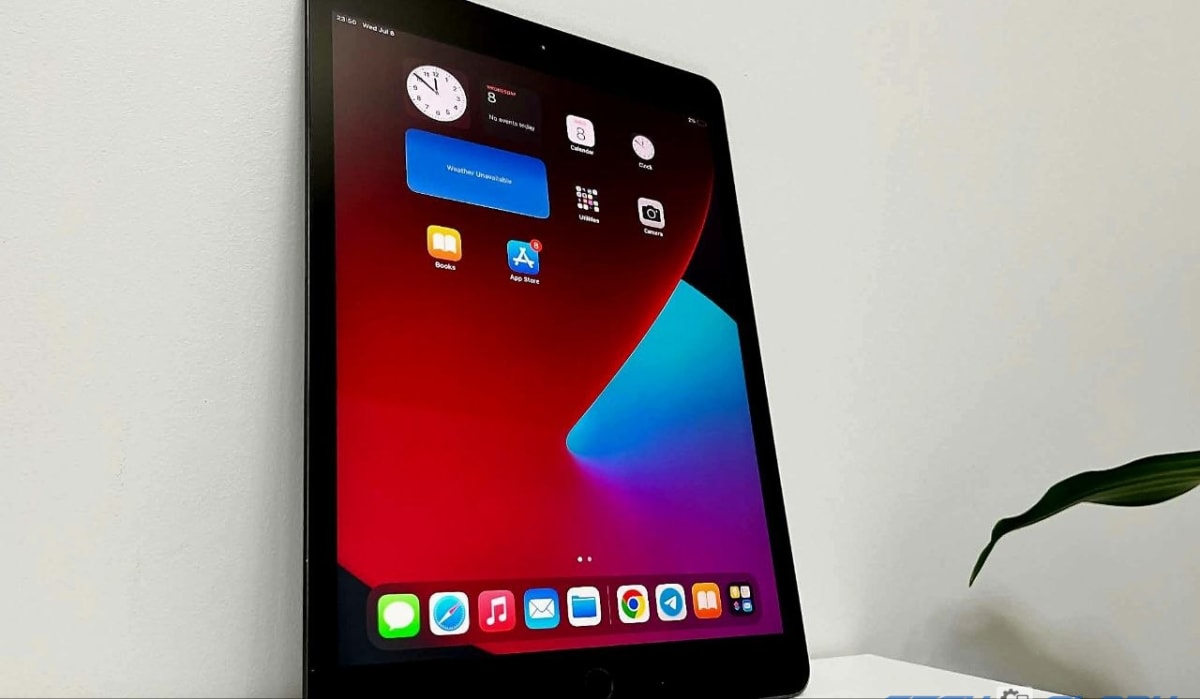
The 32GB Storage Dilemma
Despite the incredible price tag, we have to address the elephant in the room: this is the base model with only 32GB of internal storage. Let’s be honest—in today's digital age, 32GB is very little.
If you plan on downloading massive work files, keeping heavy graphic design projects locally, or installing large gaming titles, you will run out of space almost immediately. In that case, I highly advise looking for a model with a larger capacity, which naturally falls into a higher price category. The only reason a $99 iPad exists is precisely because 32GB is considered too restrictive for the average modern user.
However, if you use it smartly, it is still an incredibly capable machine. By relying on cloud storage, working within the Google browser ecosystem, streaming Netflix and YouTube instead of downloading, and sticking to lightweight apps, 32GB is manageable. It also makes for a fantastic and affordable gift for children or younger family members who just need a device for educational games and development.
Display, Performance, and Camera Quality
One of the standout features of the iPad 8 is its 10.2-inch Retina display. Apple has consistently delivered wonderful screens, and this model is no exception. The colors are clear, vivid, and beautifully rendered, blending perfectly with the fluid animations of iPadOS.
Under the hood, the A12 Bionic processor still handles everyday tasks, multitasking, and light gaming splendidly. It rarely stutters or feels like a four-year-old chip.
When it comes to the cameras, the setup is purely minimalist: an 8-megapixel rear camera and a 1.2-megapixel front-facing camera. While these specs sound outdated, they are perfectly adequate for their actual purpose—basic FaceTime and Zoom video calls. It is equivalent to a standard laptop webcam, and frankly, nobody should be using a 10.2-inch tablet for professional photography anyway.
Final Verdict: iPad 8 vs. iPad 9
If you are hunting for a budget tablet, the iPad 8 is a fantastic choice, but with one major condition: I strongly advise you not to pay more than $100 for the 32GB version.
If you decide you need more space, the 128GB version of the iPad 8 often sells for almost the exact same price as a 64GB iPad 9. In some cases, you might even find the iPad 9 (64GB) for cheaper on the used market. In my opinion, upgrading to the newer iPad 9 for the longer OS support and better front-facing camera is much more important than holding onto an older chip just for an extra 64GB of space.
Ultimately, your choice depends entirely on your specific demands, your workflow, and your budget. But if you can find the 32GB iPad 8 for under $100, it remains one of the best tech bargains you can make today. if you want to know how i bought Samsung's flagship for same way, here is blog.